

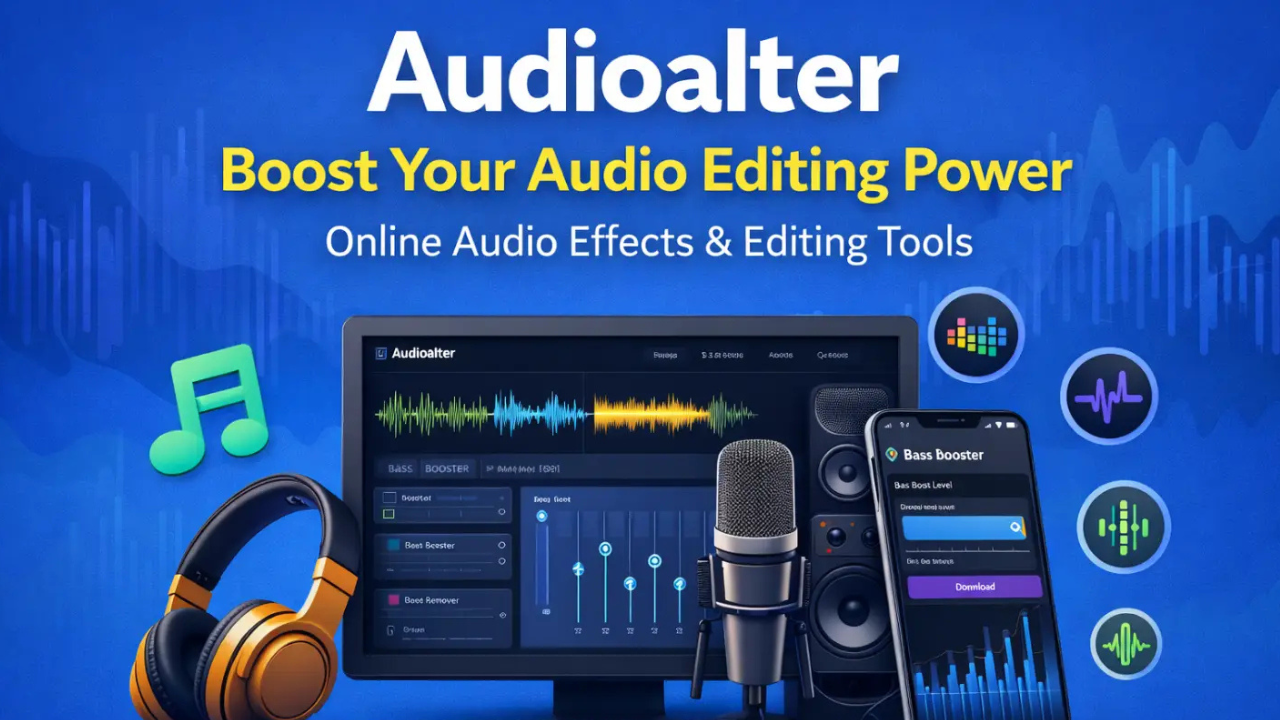
Let’s be honest — the internet is full of audio editing tools, but most of them are either too expensive or too complicated for the average person to use. Audioalter is different. It is a free website that lets you upload your audio files and edit them however you like. Want to add an effect? Done. Need to clean up the sound or change the speed? That is covered too. It has presets like “Slowed and Reverb,” “Small Room Reverb,” and “Medium Room Reverb” already built in. There are also standalone tools like the Pitch Shifter and Vocal Remover for when you need something more specific.
No expensive software. No technical background needed. Just a working internet connection and you are good to go.
What Does Audioalter Actually Do?
Simply put, Audioalter is a website where you can edit audio files straight from your browser. There is nothing to download and nothing to install. You open the website, throw your audio file in, and start making changes right there.
The website itself is not complicated at all. Everything is laid out clearly, so even a first-time user can jump in and figure things out without much trouble. The site works with file formats most people already use, including MP3, WAV, FLAC, and OGG. You can upload any file as long as it is under 50 MB.
It really does not matter what you are trying to do — whether that is putting together a casual playlist for friends or working seriously on a music track — Audioalter covers both situations without any hassle.
Why Do People Like Audioalter?
It Costs Nothing
There are no fees, no subscriptions, and no hidden charges. You visit the website, upload your file, pick what you want to do with it, and download the result. That is it. The only limit is the 50 MB file size cap per upload.
Lots of Tools in One Place
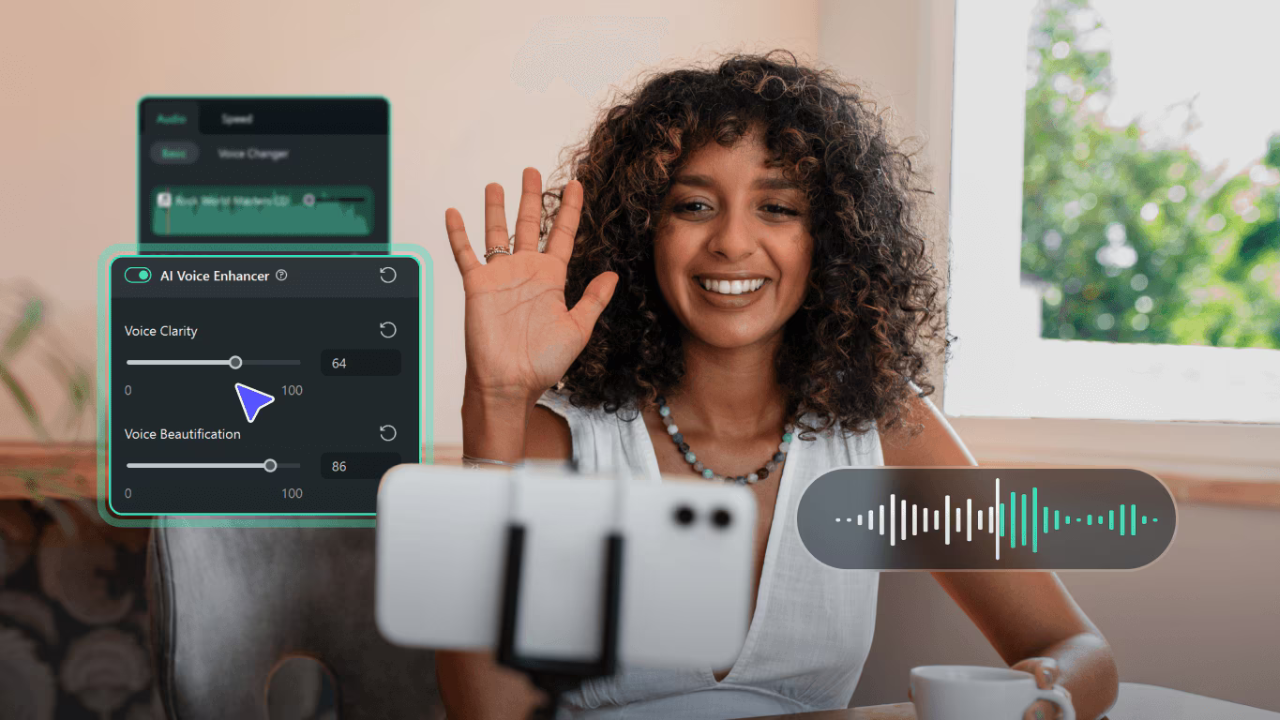
Audioalter has a good variety of tools available. You will find things like a bass booster, tempo changer, 3D audio effect, auto panner, reverse audio, and vocal remover, among others. There are also presets like 8D audio and vocal reverb that you can apply with a single click.
This variety means it works for different kinds of users — someone making fun edits at home will find it just as useful as a musician working on something more serious.
No Need to Convert Your Files First
Many online tools only accept one or two file formats, which means you have to convert your audio before you can even start. That process takes time and can sometimes lower the sound quality. Audioalter accepts MP3, WAV, OGG, and FLAC, so in most cases you can upload your file as it is and get straight to editing.
Read More: Myreadignmnaga: Features, Safety and Best Alternatives for Manga Readers
What Can Audioalter Actually Do?
3D Audio Effect
This effect makes your audio feel more spacious and surrounding when you listen through headphones. It changes the way sound moves around you, and the difference is easy to notice. Applying it on Audioalter takes only a few clicks.
Noise Reducer
Background noise is a common problem when recording audio — whether it is traffic outside, a fan running nearby, or just general room noise. The noise reducer on Audioalter helps strip out those unwanted sounds so your recording comes out cleaner.
Tempo Changer
Sometimes a recording feels too fast or too slow, and re-recording is not always an option. With the tempo changer, you can speed up or slow down your audio until it feels right — without having to start over.
Reverse Audio
This one is fun. It flips your audio so it plays backwards. Some people use it for creative music projects, others just to experiment and see what things sound like in reverse. Either way, it is quick and easy to do.
A Few More Tools Worth Mentioning
BPM Detector — This tells you how many beats per minute are in your audio track. For musicians, this is helpful when trying to match the rhythm of two tracks or keep things consistent.
Waveform Image — Audioalter can generate a visual waveform of your audio file. This is something not all audio tools offer, and it can be handy for presentations or just understanding how your audio looks.
File Converter — If you need your audio in a different format, the built-in converter handles that without any fuss.
How Do You Use It?
Go to the Audioalter website and look through the available effects, presets, and tools. Click on the one you want to use, upload your audio file, and apply the changes. You can listen to a preview before downloading the final version. The whole process is quick and does not require any technical knowledge.
Final Word
Audioalter is not out to compete with professional studio software. It’s just an easy choice for the common folk seeking an easy method to edit their audio without any hassle or cost. It can slow down a track, block out background noise, add an effect or change the file format, all without having to install anything — and it works straight from your browser.
Audioalter is a genuine one of the better freebies available at this very moment if you’ve got an audio file that needs some work. The tools are basic, the website is user-friendly and the results are satisfactory for most common applications. Simply visit the site, upload your file and watch how it can help you.
Read More: LTFS Merc: A Modern Solution Transforming Data Storage
