


What Is Linkello?
Linkello is a web-based calling app that allows you to make a video or audio call in a matter of seconds without having to install anything or create an account. It’s just a link that you create, send to someone and they click on it to join. That’s it.
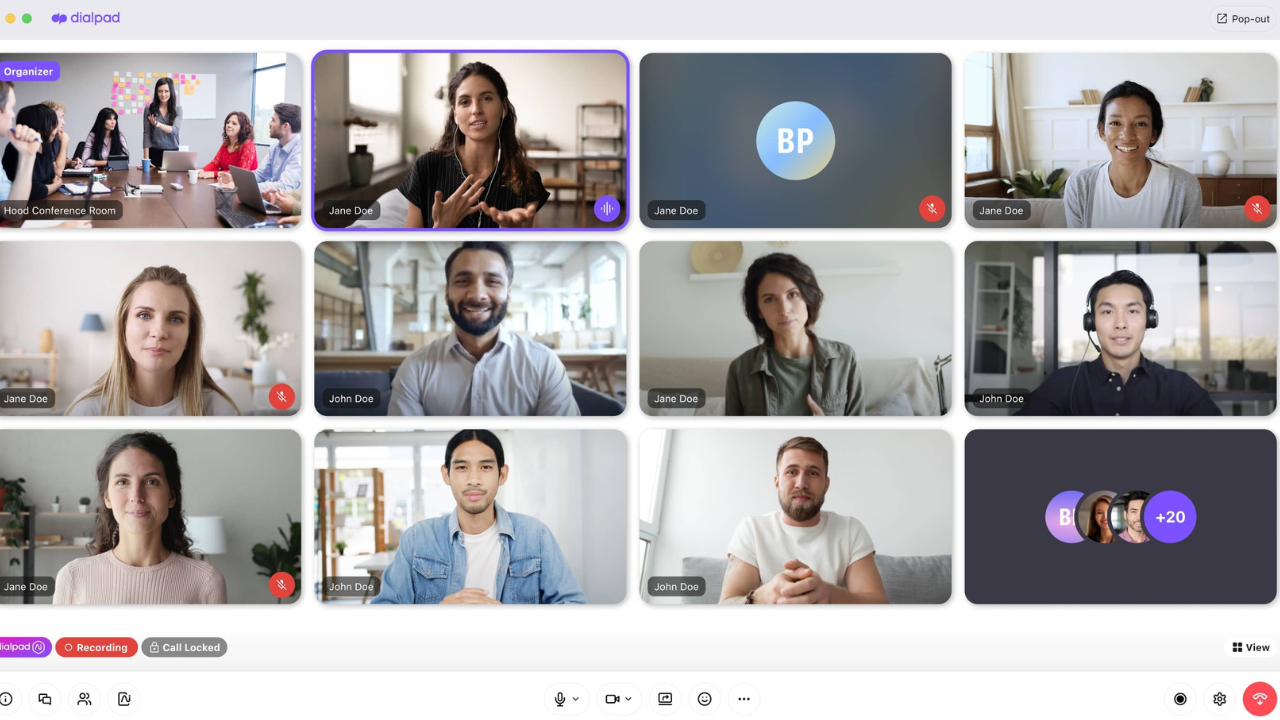
It includes end-to-end encryption, is easy to use and set up for quick one-on-one chats, where you want it to just function without any technical hassle.
Who Is It For?
Linkello usually shines in situations where you just need to talk quickly, without heavy setup drama like Zoom meetings and Google Meet. Here’s where it tends to be the most useful:
Client calls and consultations: Need to jump on a quick call with a client? Just send them a link. They don’t need to download anything or create an account to join.
Customer support: When someone already has a problem, making them install software to get help only makes things worse. Linkello gets them into a call in one click, which is exactly what support situations call for.
Tutoring and coaching: One-on-one sessions stay focused and clean here. No waiting rooms, no confusing interfaces — just you, your student or client, and the conversation.
Telehealth consultations: Healthcare professionals who handle sensitive patient conversations will appreciate the end-to-end encryption and GDPR-conscious hosting. It’s worth checking your local regulations before using any tool for clinical purposes, but Linkello holds up well on the privacy side.
Quick team check-ins: A short video call often does more than a back-and-forth message thread ever could. Whether it’s a manager touching base with someone on their team or two colleagues sorting something out, Linkello makes it easy to just jump on a call without scheduling anything.
Calling non-technical users: Got a parent or older relative who panics at the word “download”? Linkello is about as simple as it gets. They click a link, and they’re on the call.
Read more: LTFS Merc: A Modern Solution Transforming Data Storage
Who Uses Linkello?
Linkello tends to attract people who value speed and simplicity over a packed feature list. That includes:
- Freelancers, consultants, and independent coaches
- Small agencies and solo service providers
- Teachers, tutors, and private instructors
- SaaS and digital product support teams
- Anyone who regularly calls external clients who won’t install software
- Privacy-conscious individuals and small businesses
- Non-technical users who just want a “click and talk” experience
How Does It Compare to the Alternatives?
| Tool | Where Linkello Wins | Where the Competitor Wins |
| Zoom | Zero setup, no install, faster to start | Better for large meetings, webinars, recordings, and team environments |
| Google Meet | No Google account needed to join | Better if your audience is already in the Google ecosystem |
| Jitsi Meet | Cleaner, simpler one-on-one experience | More flexible for group calls; open source with more configuration options |
| Whereby | No account needed at all to join | More polished UI, supports small group meetings, has persistent rooms |
The short version: if you need a fast, no-friction one-on-one call, Linkello beats all of these. If you need group meetings, integrations, or advanced collaboration tools, the others pull ahead.
Pricing
Linkello offers two product lines — Linkello Office (for professionals and businesses) and Linkello Medical (for healthcare providers). Both have a free entry point and paid tiers.
Linkello Office
Basic Plan: Entry-level option with core features:
- Unlimited call duration
- Unlimited number of calls and links
- Links valid for 2 days
- End-to-end encrypted calls
- Screen sharing
- Email invites
- Call logs and stats Linkello
Priced at approximately €2.50/user/month. Software Finder
Essential Plan: The full professional package
- Everything in Basic, plus:
- Permanent links (no expiry)
- Custom branding (your colors and interface)
- Appointment scheduling
- Remote camera control
- Call, chat, and file recording
- Full call logs and stats Linkello
Priced at approximately €12.50/user/month. Software Finder
Linkello Medical
Designed specifically for healthcare professionals, with HDS-compliant sovereign hosting in Europe, end-to-end encryption, secure prescription delivery, and remote camera support. Linkello Medical
The Medical Basic plan starts at €6.25/user/month, with an Essential tier available for full teleconsultation workflows. Technology Talker
Note: Linkello’s official pricing page uses a dynamic calculator based on the number of users, so exact totals will vary. Prices shown are per-user estimates. Visit office.linkello.com/pricing for a precise quote.
Pros and Cons
Pros:
- Getting started takes under a minute — no install, no signup for guests
- Strong privacy practices: end-to-end encryption and GDPR compliance with French-hosted servers
- Works on any modern browser across desktop and mobile
- Screen sharing is supported
- The paid plan adds permanent links, branding, recordings, and file sharing
Cons:

- Only supports one-on-one calls — no group meetings, even on paid plans
- No advanced collaboration tools like whiteboards, polls, or breakout rooms
- Free links expire after 24 hours, so you can’t send a link in advance for a meeting the next day without generating a new one closer to the time
- No calendar integrations or scheduling tools built in
Final Word
Linkello is one of those tools that does one thing and does it really well. If you regularly need to get on a quick call with someone who isn’t going to install an app or create an account, it’s hard to beat. It’s fast, private, and genuinely friction-free.
For teams needing group calls, recordings on a free plan, or deeper integrations, you’ll likely outgrow it — but for freelancers, consultants, support teams, and tutors, it’s a solid everyday tool worth having in your workflow.
Read more: Tech Yugle Com: A Simple Platform to Understand Modern Technology
